 Custom transport planning · 2025 → today
Every equipment transport planned, sent and tracked from one tool.
Soetaert moves equipment between its sites. At their request we built Transport Builder: the planning tool where their planners put transports together, send the order to the haulier and see where every item is.
- Live since September 2026
- the day's transports processed automatically
- 04:00
- sync with the group's systems
- Nightly
- requests read in directly
- Excel
- transport order to the haulier
Demos
Recorded in the real app, with fictional demo data.
From request to processed transport
- 01RequestAn Excel request is read in, checked and only processed once confirmed.
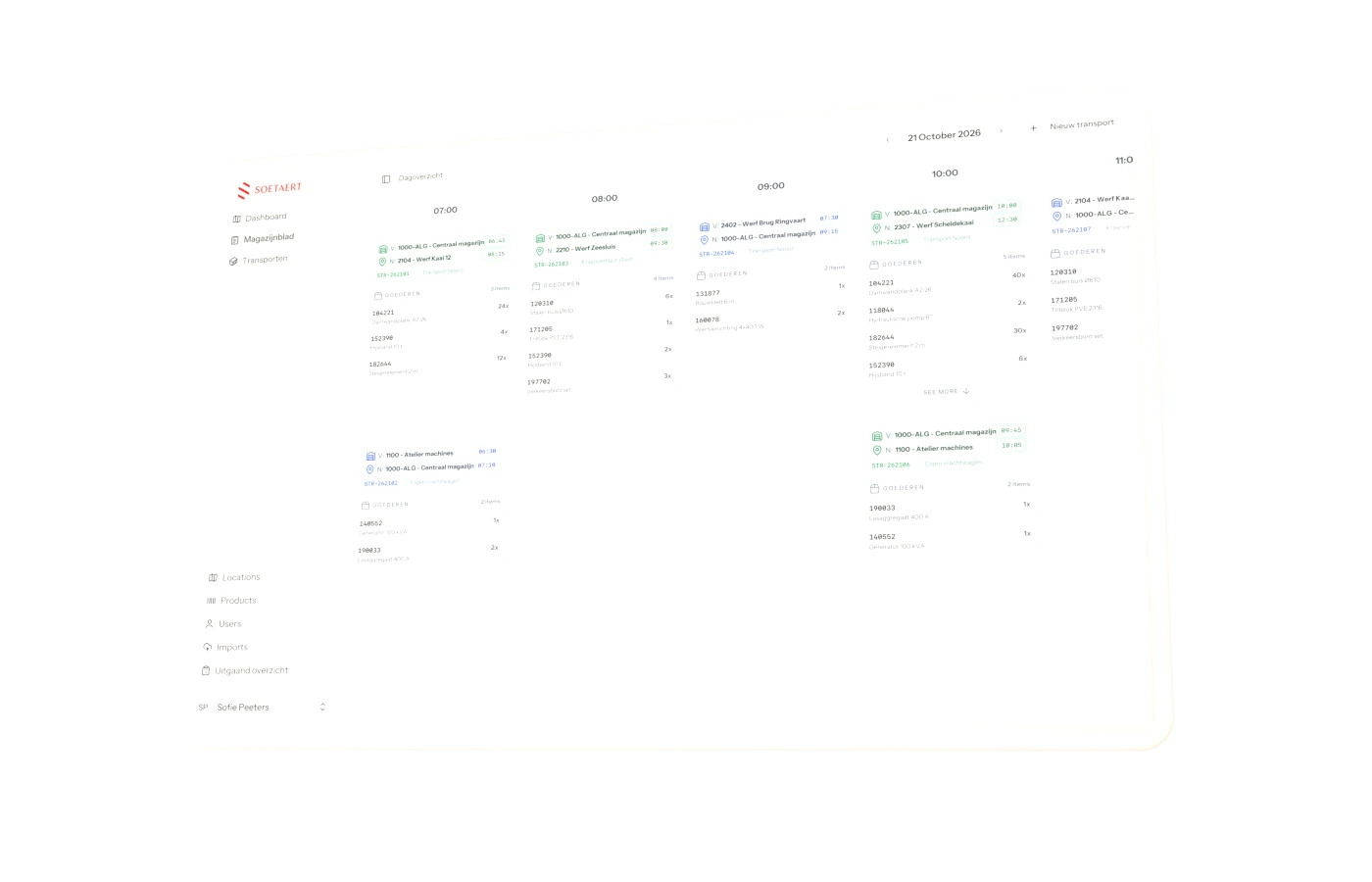
- 02PlanningThe planner picks sites, date, time and haulier, and builds the load from items and kits.
- 03OrderThe transport order goes to the haulier as a PDF by email.
- 04ProcessedOn the transport day every item gets its new location, with a line in its history.
The problem
Transport requests arrived as Excel files. Soetaert wanted one place where planners put a transport together, notify the haulier and still know afterwards where each piece of equipment went.
Planning
A planner picks the pickup and delivery location, the date and time, the haulier and the load: single items or kits with quantities, weight and dimensions. Splitting a transport, rolling it back or copying items to another transport are all built in.
Transport Builder reads Excel requests directly. The planner first sees what comes in and only then confirms it.
To the haulier
Once a transport is ready, the tool creates a transport order as a PDF and emails it to the haulier. Internal transports only notify a fixed list of addresses. An overview of outgoing transports goes out as Excel to whoever needs it.
In sync every night
At 04:00 Transport Builder processes the day's transports: every item gets its new location and a line in its history. At 05:00 it fetches sites, equipment and hauliers from the group's systems over a secure connection.
Location codes from different systems are aligned, including sub-sites and alternative codes. That lets the app compare with the warehouse system and warn when an item isn't where it should be.
Where it stands
Transport Builder has run in production since September 2026. Planners sign in with their Microsoft account.
 Xcellerate
 WUK
WUK Ardosolar
 TruSecure